 Scroll Pilot
Auto scroller for Android
Long pages, steady pace.
Scroll Pilot moves long pages at a steady, precise speed so you can study and read without swiping every few seconds. Set the pace, press play, and keep your eyes on the words.
Free · Android 7.0+ · continuous scrolling and every speed are free
Screenshots
Set the pace. Press play. Read.
How it works
From long page to steady read in three steps.
Agree and switch on
Scroll Pilot explains what its service does and never does, then guides you through Android settings, including the Restricted setting screen on newer versions.
Press play
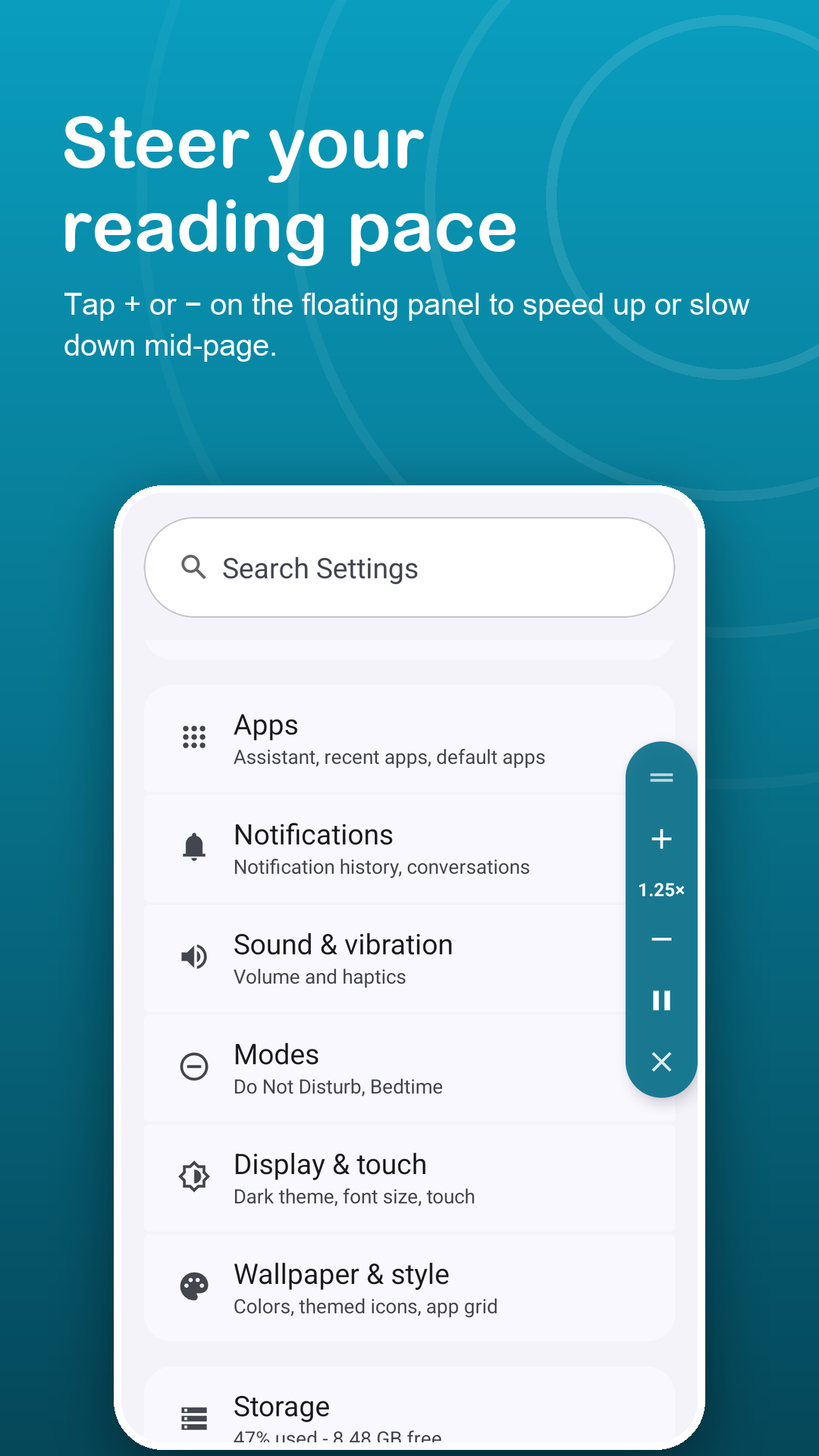
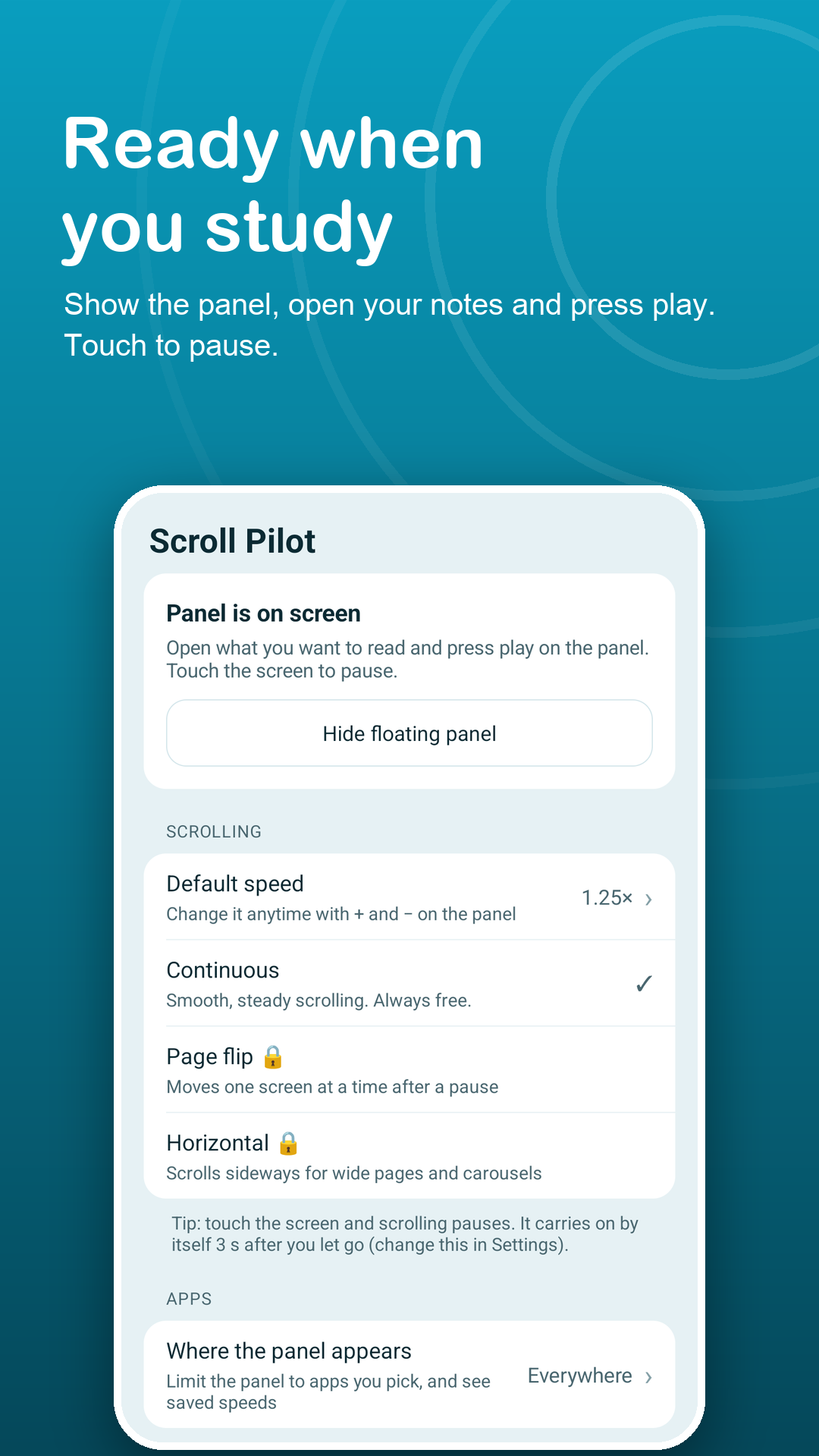
Open your notes, manual or article and tap play on the floating panel. Use + and − to fine-tune the pace while it moves.
Touch to look closer
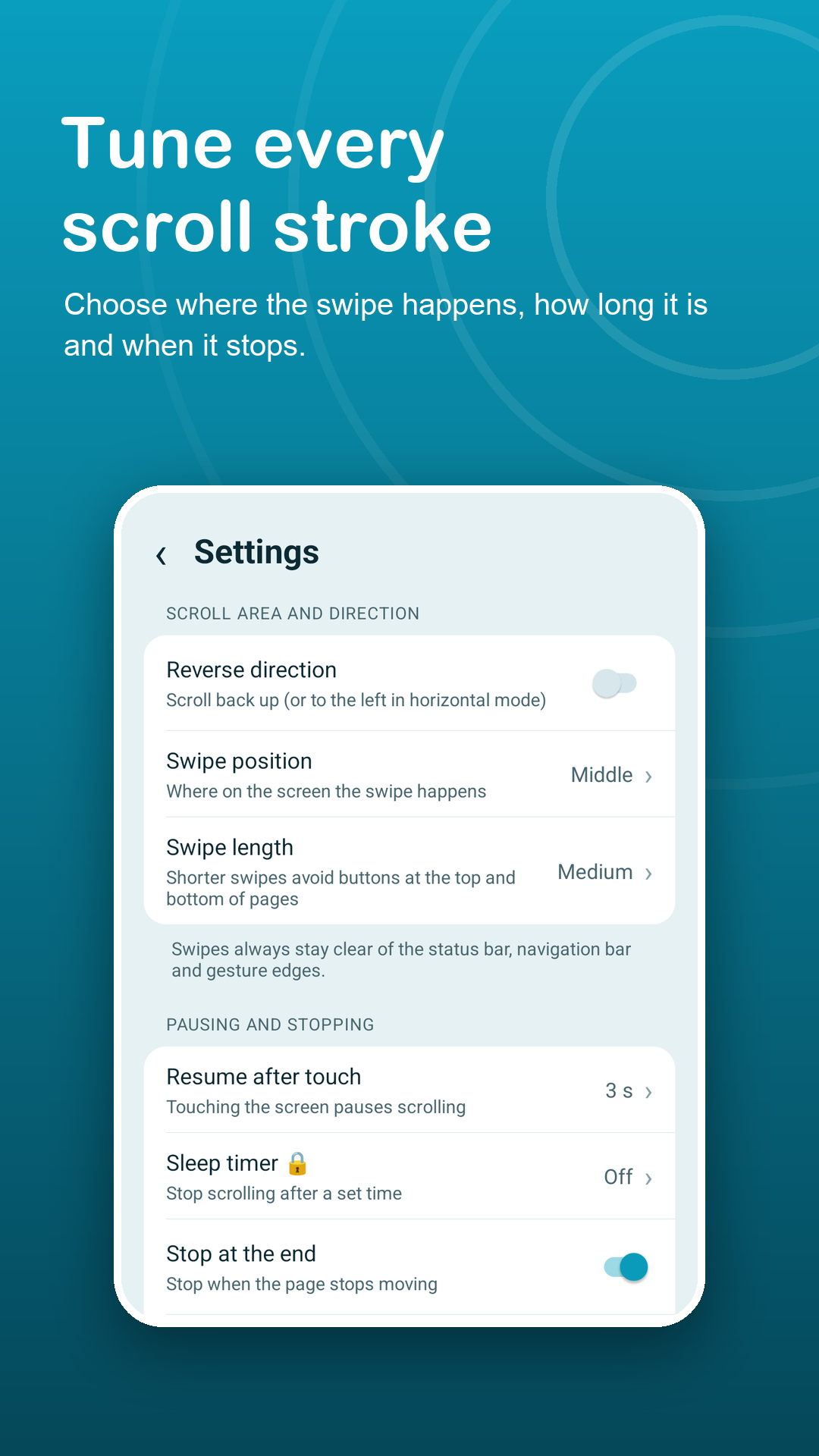
Touch the screen to pause and study a diagram. Scrolling resumes after 2 to 10 seconds, or only when you press play.
Features
Built for focused reading.
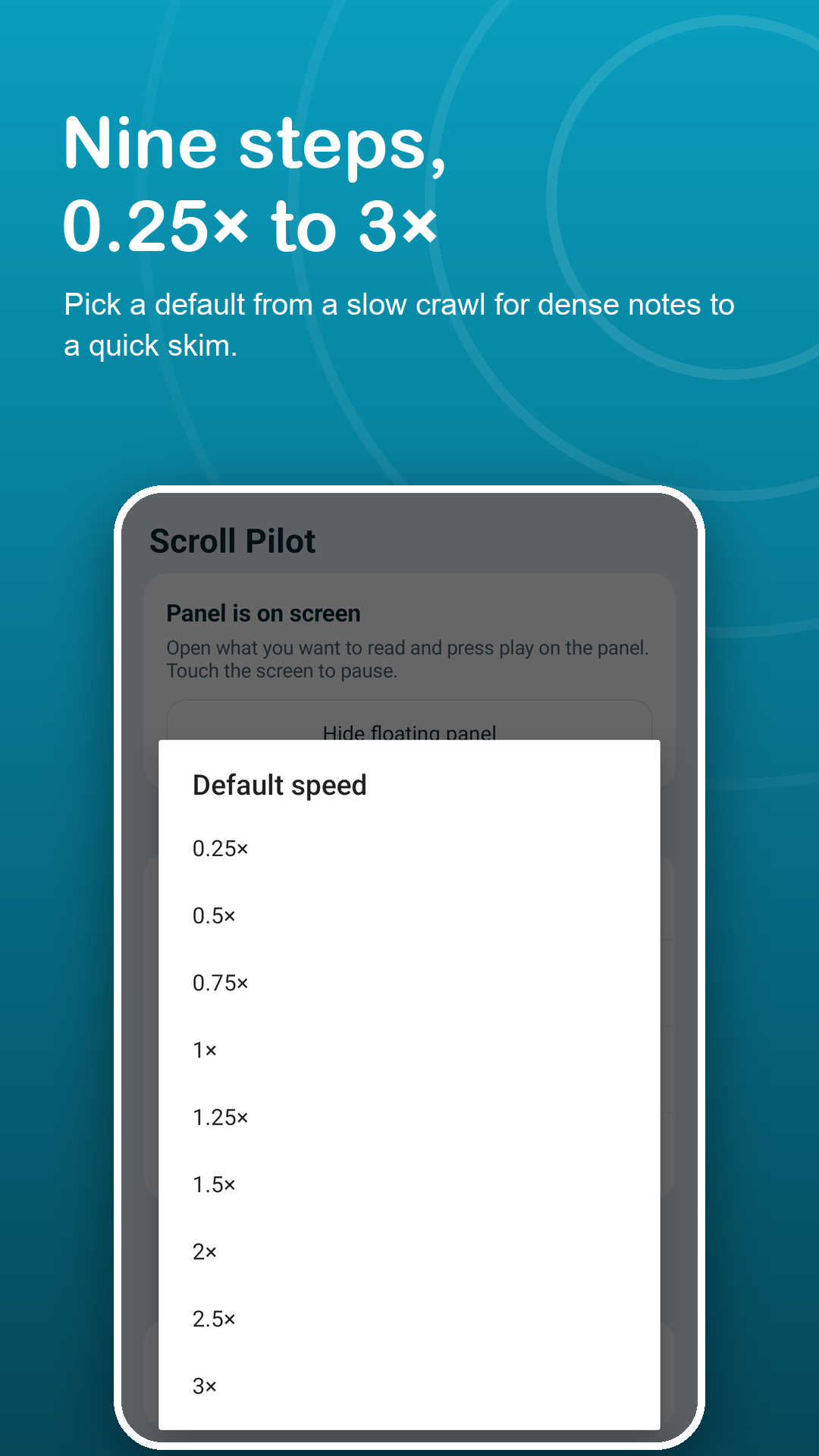
Nine precise speeds
From a very slow 0.25× for dense pages to 3× for quick skims. Change it on the fly without stopping.
Glides, never jumps
Short connected strokes keep the page moving smoothly, so small text stays readable while it scrolls.
Swipe where it is safe
Choose a left, center or right lane and short, medium or long strokes. Swipes avoid system bars and gesture edges.
Stops on its own
At the end of the page and below 15% battery when not charging. Premium adds a 5 to 60 minute sleep timer.
Page flip and horizontal
Premium modes: one screen every 2 to 60 seconds for slides, or sideways for wide tables and timelines.
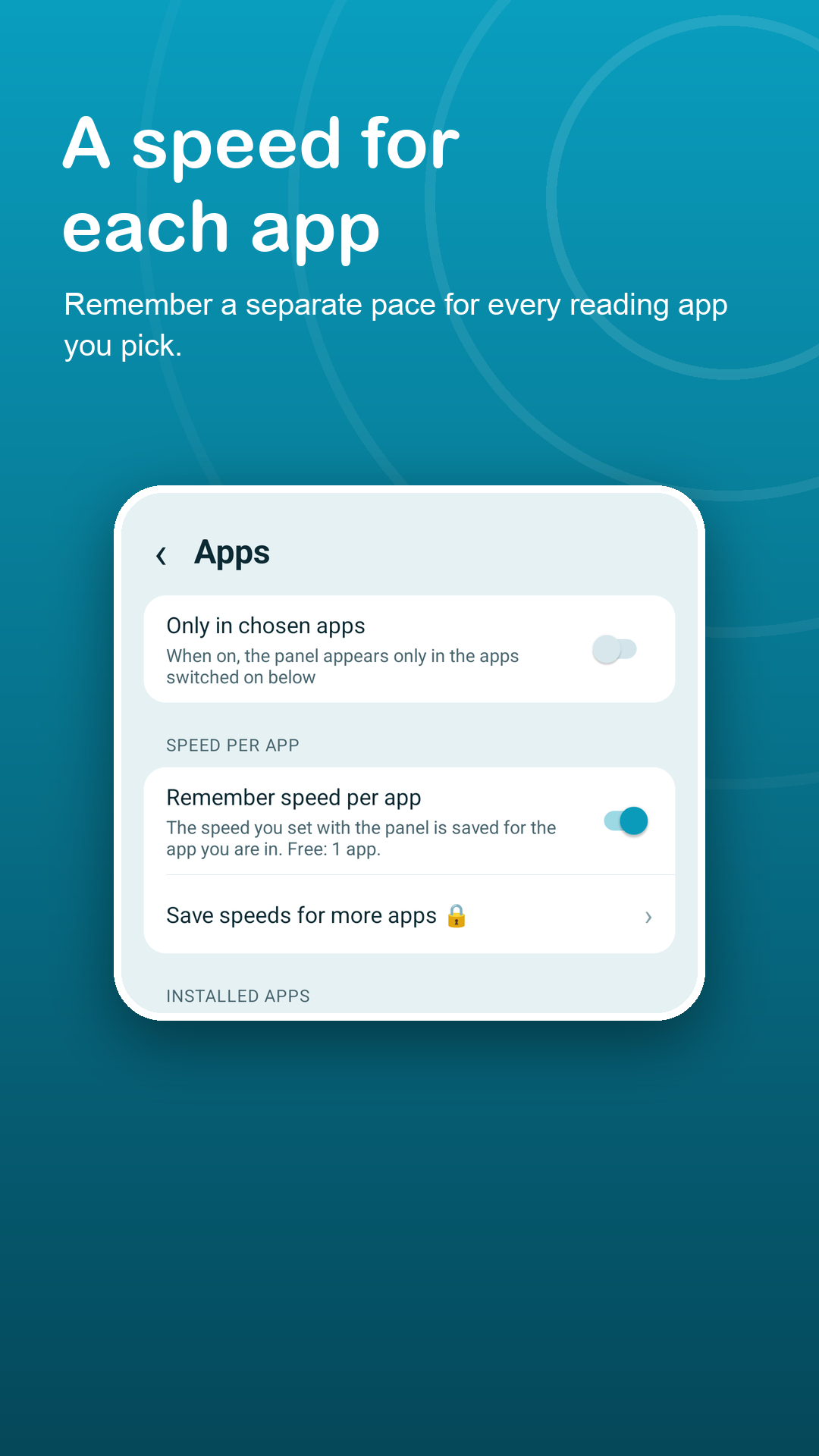
A speed per app
Your pace is remembered in the app you use it in: one app free, every app with Premium.
Privacy
It scrolls. It never reads.
Scroll Pilot uses the Accessibility API only to perform the scroll gestures you start. It receives the name of the app in front and scroll-position numbers, never the text, images or passwords on your screen. Read the privacy policy.
FAQ
Fair questions.
Why does Scroll Pilot need an accessibility service?
Android only lets an app perform a swipe inside other apps through the Accessibility API. Scroll Pilot uses it solely for the scroll gestures you start, and only after you press play.
Can it see my documents?
No. The service cannot read text, images, passwords or anything else on screen. It only receives the name of the app in front and scroll-position numbers, and nothing is collected through it.
How do I avoid tapping buttons on the page?
Move the swipe lane to the left, center or right and pick short strokes. Short strokes keep clear of toolbars at the top and bottom of a page.
Will it keep scrolling if I switch apps?
No. Switching to another app pauses scrolling, and touching the screen pauses it too.
The panel is gone. What should I do?
Open the app and tap "Can't see the panel?". It checks the service, panel, app list, system window, battery and notifications, and offers a fix.
What does Premium add?
Page flip and horizontal modes, the sleep timer, a saved speed for every app (free: one app) and no ads. Monthly, yearly or lifetime; subscriptions can be cancelled anytime in Google Play.